
Journey settings
Overview
Journey settings control how a Journey counts users, how strictly paths must match, and how they update over time.
You can access these settings by clicking the purple box surrounding the first node of a Journey.
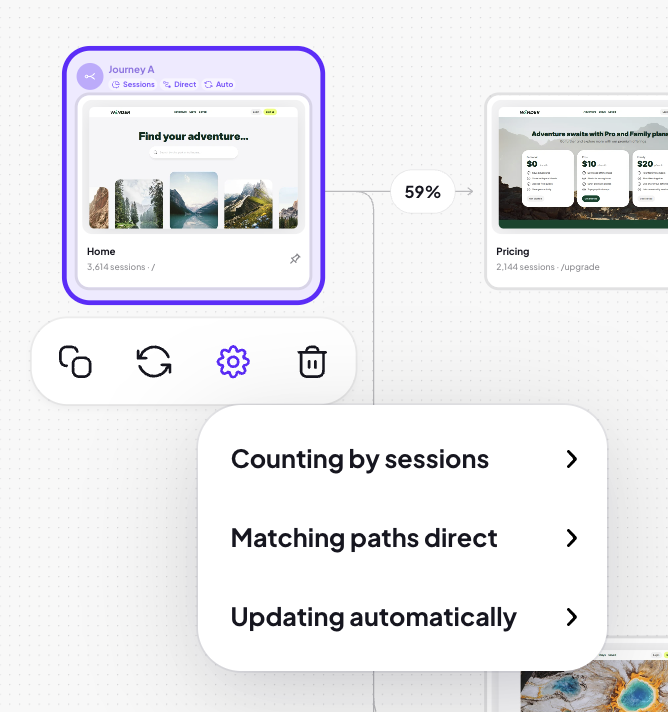
Count by
Users
Counts unique users. (Requires User IDs to be passed to Adora.)
Sessions
Counts sessions that passed through each step.
Views
Counts total views of a step, regardless of user.
Matching paths
Direct
Shows users who followed each step exactly, with no other screens in between.
Anywhere
Shows users who saw the same steps in order, even if they viewed other screens between them.
Example
A to-do app flow:
Home → Create → To-Do List
If a user browses templates in between:
Direct: The user will not appear
Anywhere: The user will appear
Update settings (Common paths & bookends journeys only)
Auto-Update
Paths refresh automatically using new session data. Pinned screens remain unchanged.
Manual-Update
Paths refresh only when manually updated.